Please be reminded that the academic community of Bialystok University of Technology is provided with e-mail in the MS Office365 service.
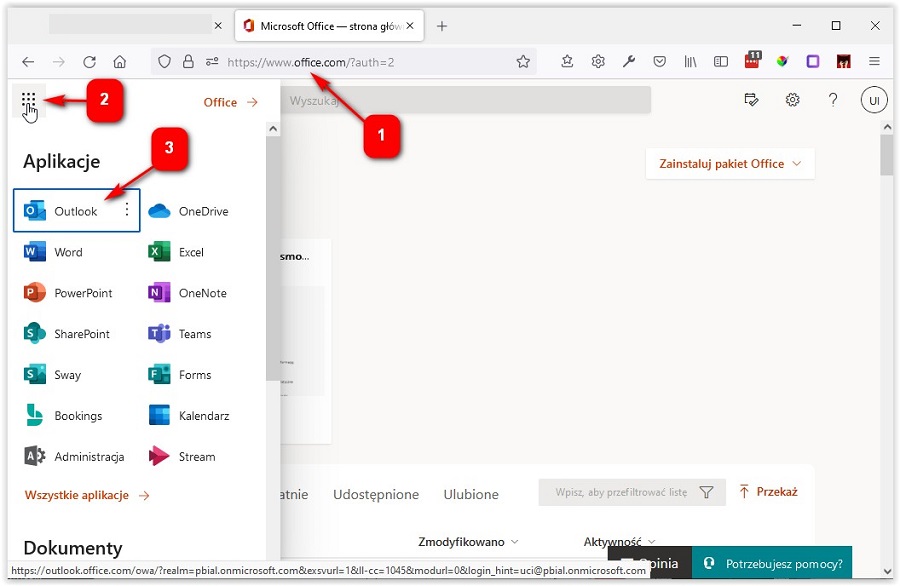
To start using MS Office, including email, log into the MS Office website (1).
In the top left corner, select ‘Launch applications’ (2) and then ‘Outlook’ (3).
Detailed information on email service is available at: Outlook mail – BUT UIC Docs – documentation
After logging into Office365, it is possible to access the other applications. These include Teams, OneDrive, SharePoint, etc.