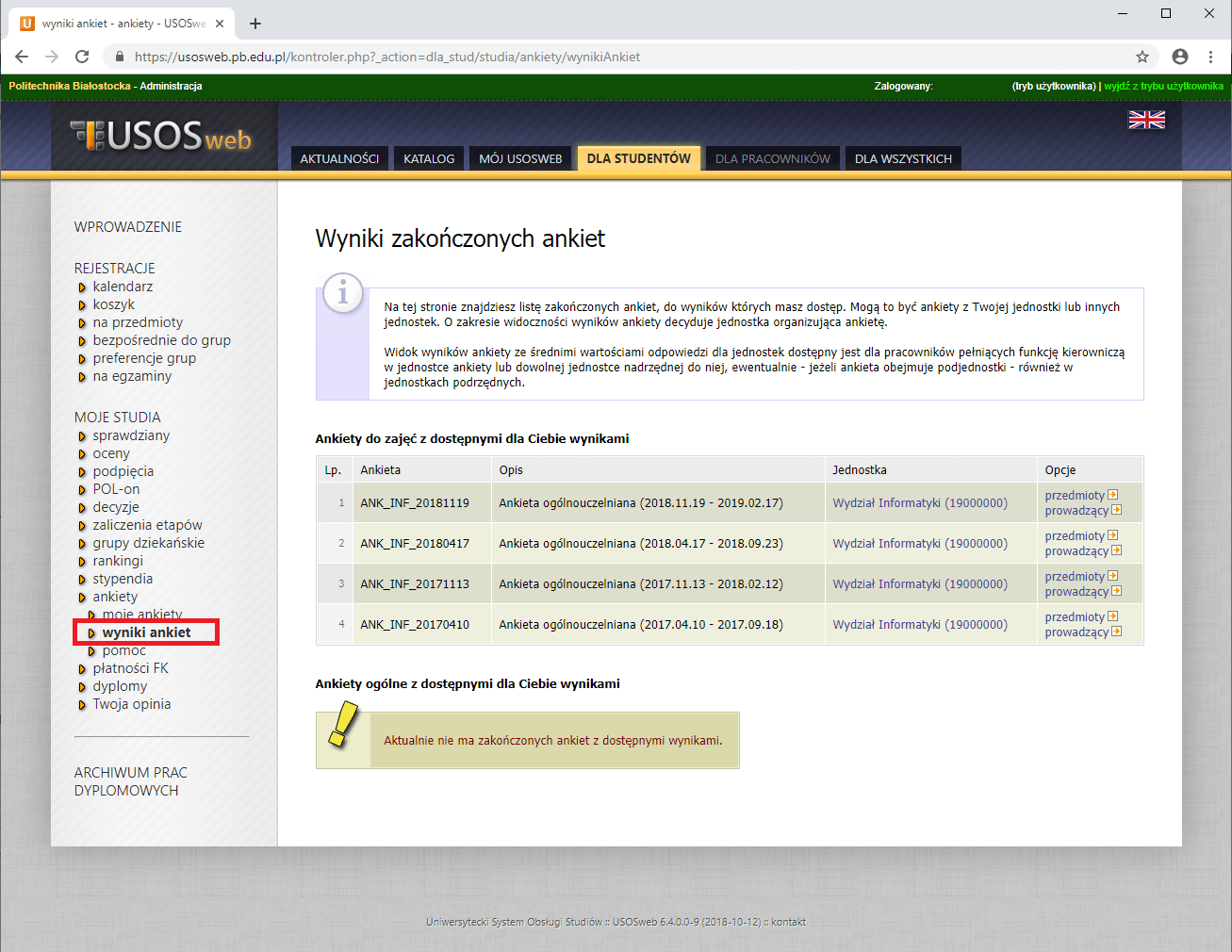
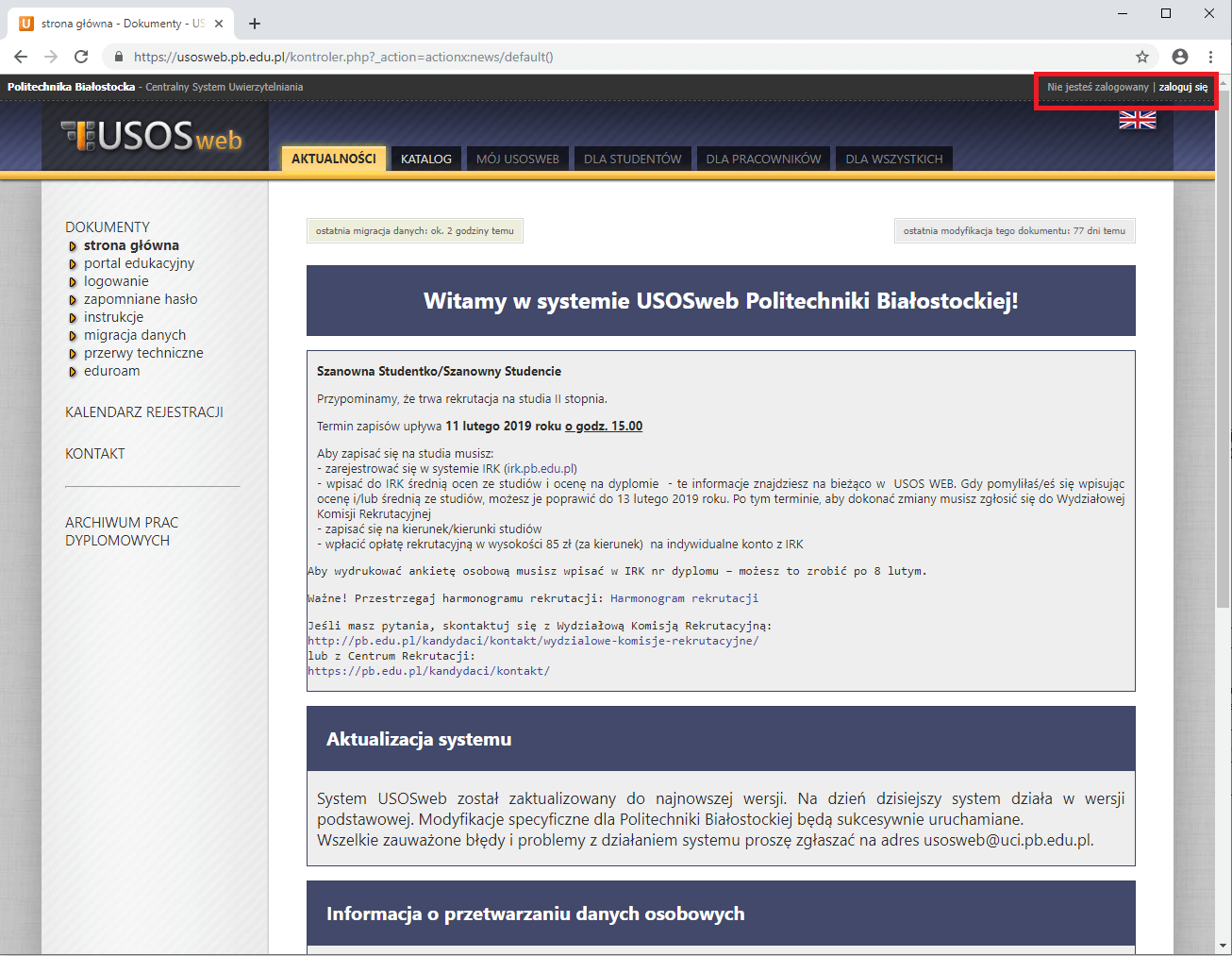
The surveys are available in the survey module on the website usosweb.pb.edu.pl.Log in to the system using the login button located in the upper right corner of the page.
Remember! Surveys are fully anonymous.
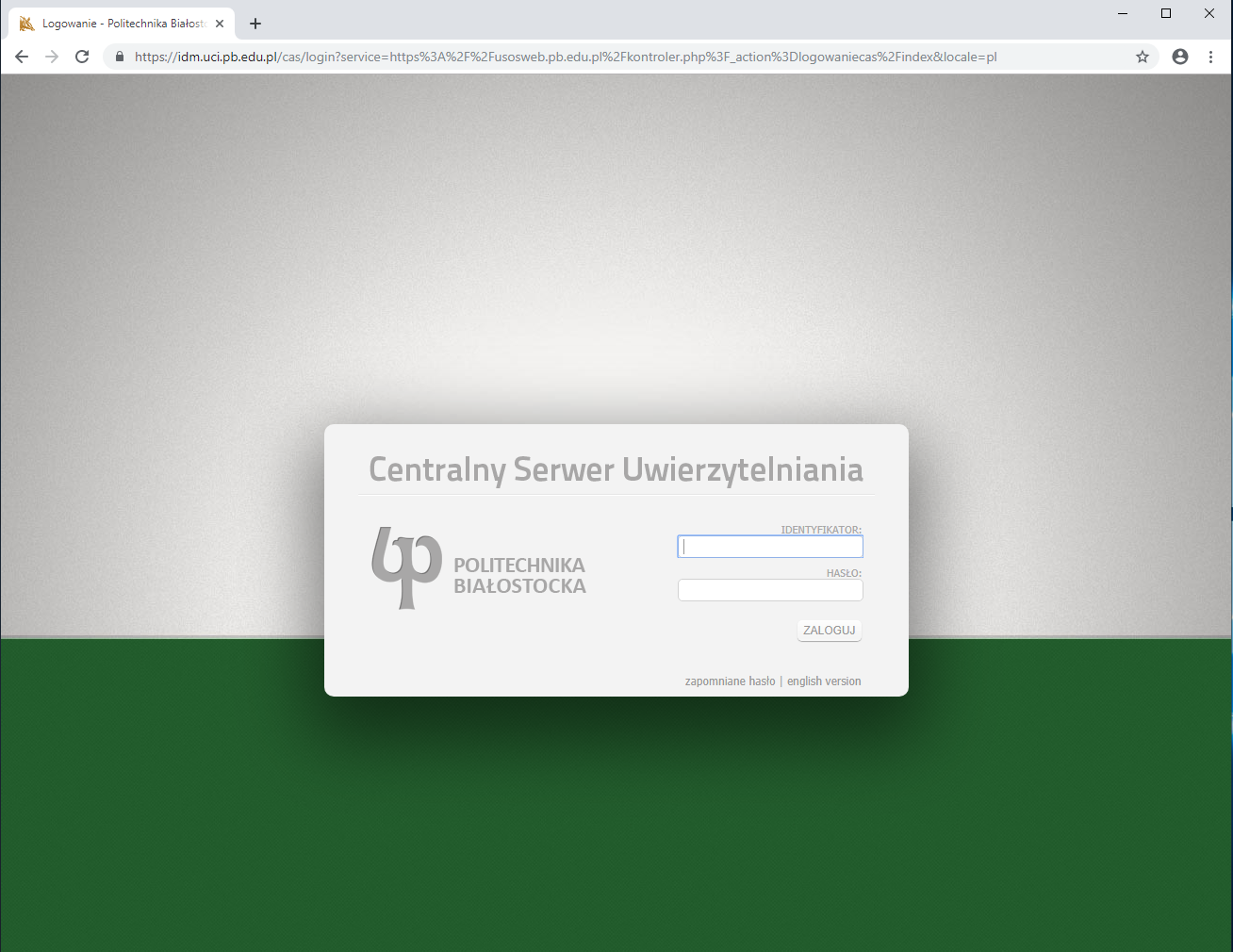
You will be redirected to the Central Authentication System. Enter your login credentials in the appropriate fields.
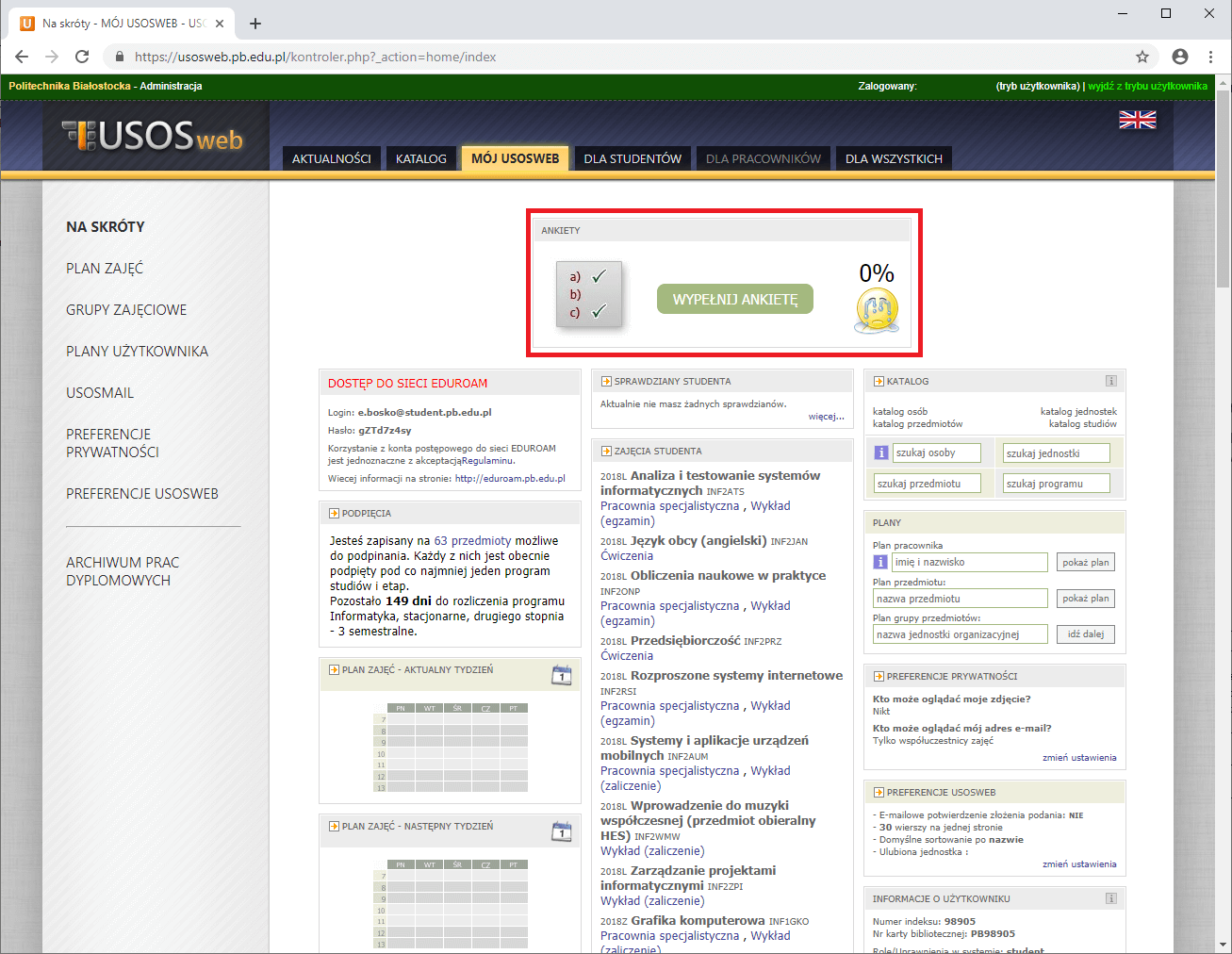
Go to Surveys
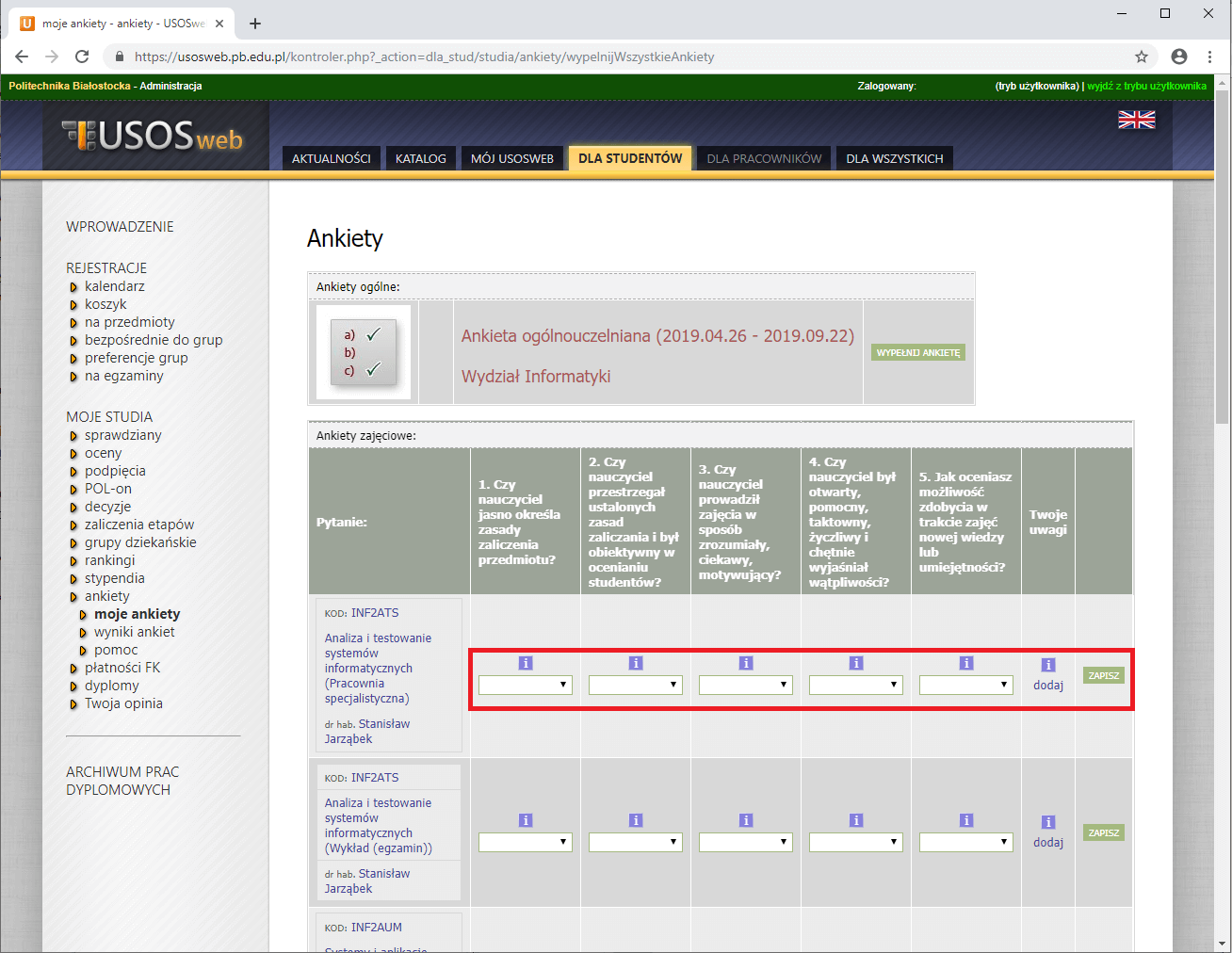
A list of courses for which surveys can be completed will be displayed. To start filling out a survey, select a rating for each course and optionally add comments. To finish, click “Save”.
If all surveys have been completed correctly, your survey list should be empty.
Once the survey process is completed, you can review the results in the “Survey Results” tab.