Students of Bialystok University of Technology have the option to send a password reset request via the USOSweb system.
In order to do this, please log in to the USOSweb system and go to My USOSweb (1) and then to Office365 information. After pressing the “Reset password” button (2), a reset request will be sent to the University IT Centre.
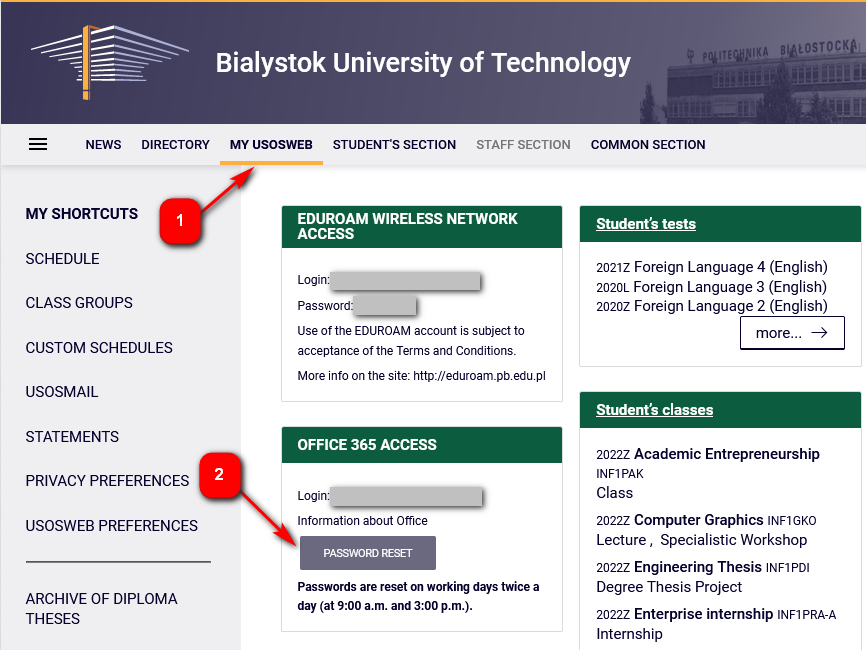
The “RESET PASSWORD” option is only available to active students who are enrolled in the current teaching cycle (i.e. summer or winter term).
Passwords are reset twice a day on weekdays (at 9 a.m. and at 3 p.m.).